Brand Kit

travoPilot brand kit: logos, colours & brand guidelines.

The official source for travoPilot brand assets. Download approved logos, favicons, app icons and social media images, and see exactly how to use them.

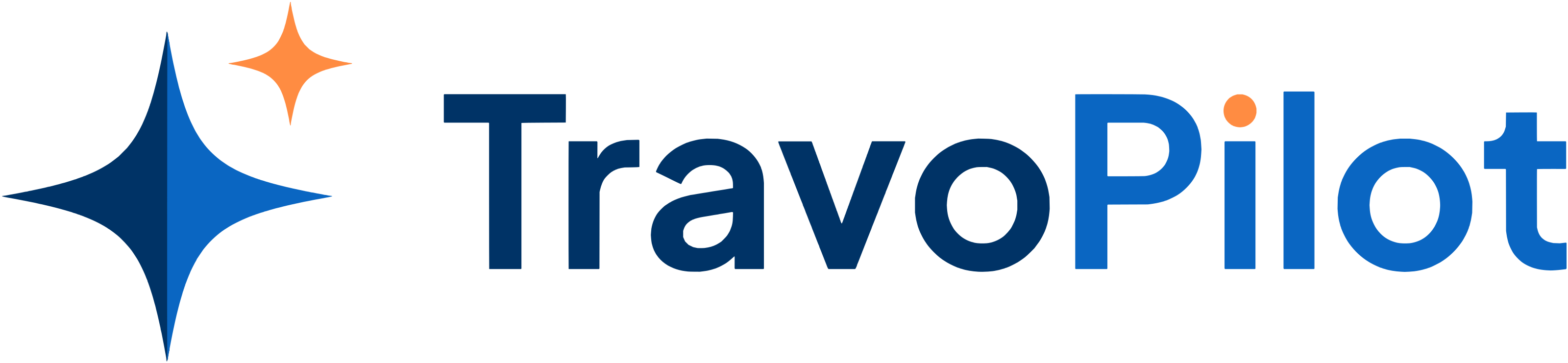
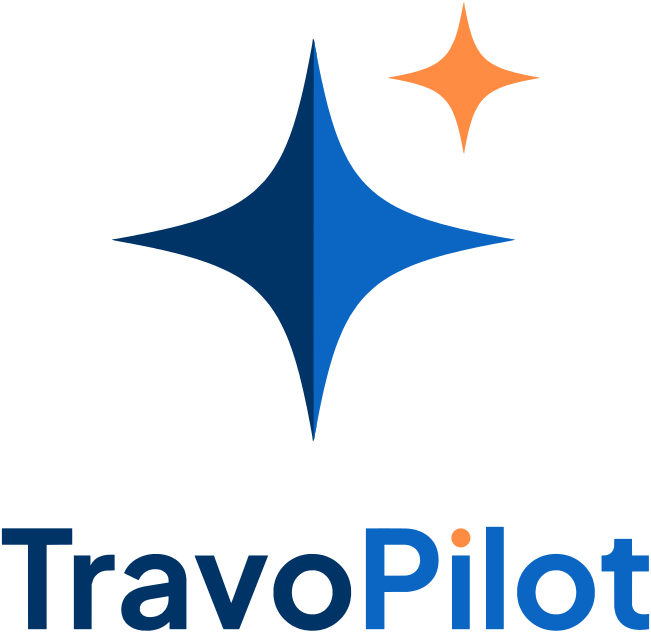
The travoPilot logo: a two-tone navy and blue north star with an orange sparkle above the wordmark TravoPilot
Brand overview

A fixed point to guide the journey.

travoPilot is built on one idea: travel should feel guided, not guessed. The identity is a north star redrawn for intelligent travel — calm blues for trust and navigation, with a single orange sparkle for the AI.

Two-tone star

A north star — the navigator’s oldest tool — split navy and blue for depth and a sense of motion.

Tall vertical axis

The elongated vertical point is a steady line forward: a fixed point that guides the journey.

Orange sparkle

The AI assistant, always alongside you. Orange is reserved for this intelligence and nothing else.

Name in text
Write travoPilot — lowercase t, capital P — in sentences, titles and metadata.
Logo artwork
The wordmark is drawn artwork. Always place the supplied files; never retype it in a font.
Owner
travoPilot is a product of Innovate Solution Global Pte. Ltd. (UEN 202617746C).
Approvals
Co-branding, partner and press use: contact@travopilot.com.
Logo system

Three lockups. Five colour treatments.

The vertical lockup is the primary logo. Every file is cut from the same vector master, with transparent backgrounds. SVG is the master; PDF and EPS are for print; PNG comes in three sizes.

Colour treatments & files

travoPilot logo — full colour
travoPilot logo — on dark
travoPilot logo — reversed (white)
travoPilot logo — single colour — navy
travoPilot logo — monochrome — black

Need everything at once? Download all logos (.zip, 2.6 MB).

Clear space & minimum size

Give the mark room to breathe.

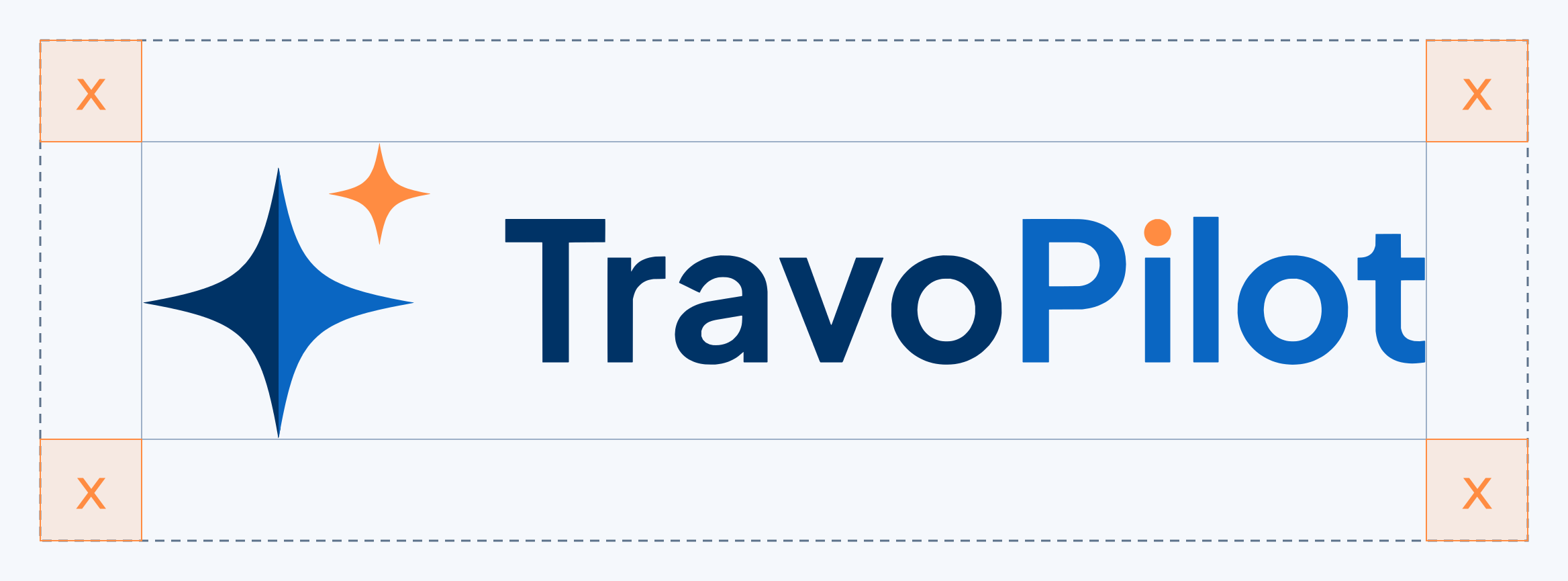
Keep a margin of at least x on every side of the logo, where x is the height of the orange sparkle. No text, image edge or other logo may enter that space. Scale it with the logo: the clear space is always relative.

Minimum logo sizes
ArtworkScreenPrint
Horizontal logo120 px wide30 mm wide
Vertical logo80 px wide20 mm wide
Icon (star)24 px8 mm

Favicon16 px (icon only)—

Below the minimums, drop the wordmark and use the icon alone.

The horizontal travoPilot logo inside a dashed boundary; the margin on each side equals x, the height of the orange sparkle
Clear space = x, the sparkle height, on all four sides.
Approved & prohibited use

Protect the mark.

A logo only works if it looks the same everywhere. These rules apply to every medium — screen, print, merchandise and partner co-branding.

Do

  • Use the supplied files exactly as they are — SVG wherever the software allows it.
  • Pick the treatment for the background: full colour on light, on-dark on dark, reversed white on blue or photos.
  • Scale proportionally (hold Shift, or set only the width).
  • Keep the clear space and minimum sizes.
  • Use the icon alone for avatars, favicons and app icons.
  • Keep orange for the sparkle and the dot of the i.

Don’t

Incorrect: stretch, squash or distort
Stretch, squash or distort
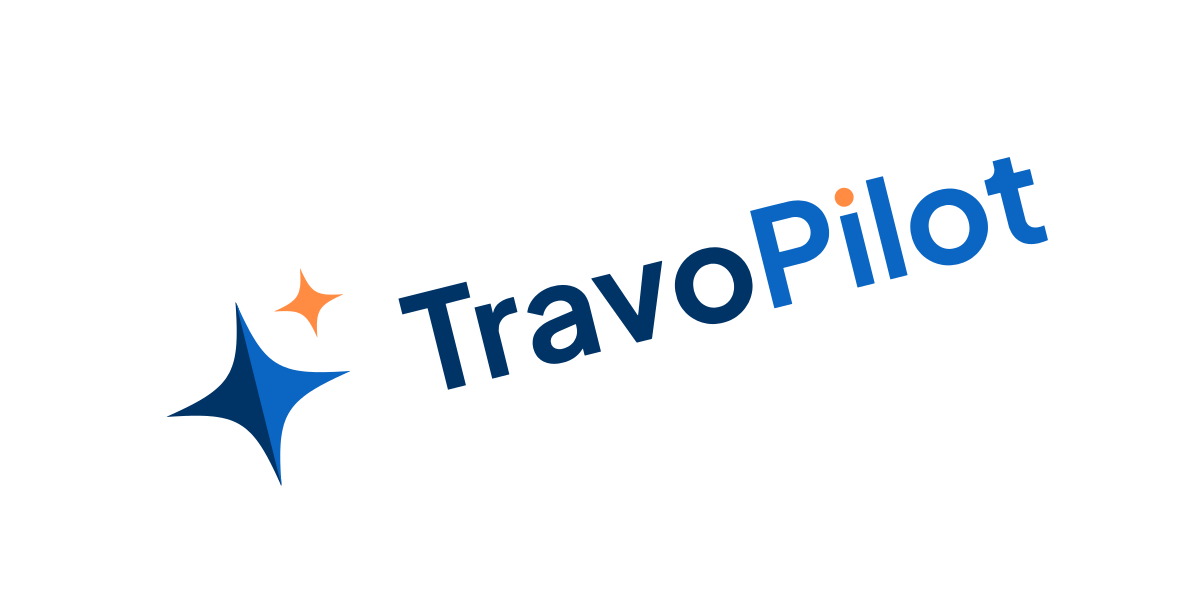
Incorrect: rotate or tilt the mark
Rotate or tilt the mark
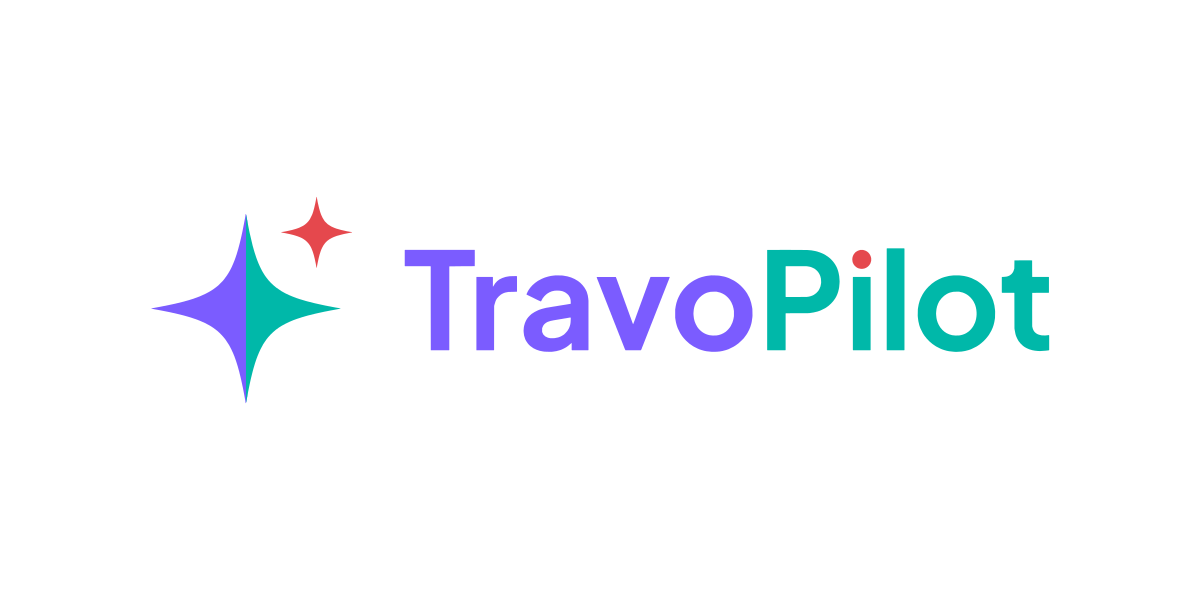
Incorrect: recolour the star or wordmark
Recolour the star or wordmark
Incorrect: use orange on non-ai parts
Use orange on non-AI parts
Incorrect: add shadows, glows or effects
Add shadows, glows or effects
Incorrect: place on low-contrast backgrounds
Place on low-contrast backgrounds
Incorrect: rearrange or resize the parts
Rearrange or resize the parts
Incorrect: outline or re-draw the logo
Outline or re-draw the logo
Colour palette

Cool, confident blues. One warm accent.

Navy and Deep Blue carry the brand; Sky Blue lifts it on dark surfaces. Orange is the AI accent and stays rare — the sparkle and the dot of the i. Select a HEX or RGB value to copy it.

Navy Blue
HEX
RGB
CMYK
100 50 0 60

Primary · wordmark “Travo”, star shadow side, headings

Deep Blue
HEX
RGB
CMYK
95 47 0 24

Primary · wordmark “Pilot”, star light side, links and buttons

Sky Blue
HEX
RGB
CMYK
68 21 0 3

Accent on dark · on-dark star and “Pilot”

Ink
HEX
RGB
CMYK
66 44 0 87

Dark surfaces and monochrome logo

Orange
HEX
RGB
CMYK
0 45 74 0

AI accent · sparkle and the dot of the i only

Teal
HEX
RGB
CMYK
100 0 8 28

Support · success states and data

Slate
HEX
RGB
CMYK
35 20 0 58

Secondary text

Cloud
HEX
RGB
CMYK
4 2 0 5

Light surfaces and dividers

White
HEX
RGB
CMYK
0 0 0 0

Backgrounds and reversed logo

CMYK values are direct conversions for coated stock; ask your printer for a proof on uncoated paper. Palette files:

Typography

Three families, one voice.

Sora gives headlines a confident geometric shape, DM Sans keeps long reading easy, and JetBrains Mono marks data, labels and code. All three are free under the SIL Open Font License.

Type scale
RoleFamily & weightSizeTracking
DisplaySora 70048–72 px-0.03em
HeadingSora 60024–44 px-0.02em
BodyDM Sans 40016–19 px · 1.60
LabelJetBrains Mono 50011–13 px · caps0.16em

The logo wordmark is custom artwork and is not set in any of these fonts. Download the typography package (.zip, 247 KB) — WOFF2 web fonts, @font-face CSS and licences.

Iconography & visual elements

Thin lines, round ends, plenty of air.

  • Line icons on a 24 px grid, 1.7 px stroke, round caps and joins, no fills. Colour them with the text colour or Deep Blue — never orange.
  • The star can anchor large layouts as a single cropped graphic. Never tile it, rotate it or use it as a bullet.
  • The sparkle marks AI moments only: assistant replies, AI features, “powered by AI” labels.
  • Surfaces alternate light “paper” sections (#F5F7FC / white) with dark “deck” sections (Ink), with a soft blue glow — never hard gradients behind the logo.
Backgrounds & contrast

Choose the treatment by the background.

Text and the wordmark must keep at least 4.5:1 contrast with the background (WCAG AA); the star needs at least 3:1. The ratios below are measured for each pairing.

White → Full colourNavy 12.6:1 · Deep Blue 5.7:1
Cloud → Full colourNavy 10.8:1 · Deep Blue 4.9:1
Ink → On darkWhite 18.7:1 · Sky Blue 9.3:1
Navy → Reversed (white)White 12.6:1
Deep Blue → Reversed (white)White 5.7:1
No logo
Orange → not a logo backgroundReserve orange for the AI accent

On photographs, use the reversed white logo over an area that is calm and dark enough for 4.5:1, or place the full-colour logo on a white panel. Never put the logo on a busy, mid-tone or clashing colour.

Social media & platforms

Ready-sized for every channel.

Each image is produced at the platform’s recommended dimensions, with key art kept inside the crop-safe area. Light and dark sets are interchangeable — pick one and use it everywhere.

  • Profile pictures use the icon alone on a solid tile — wordmarks are unreadable at avatar size.
  • Covers and banners keep the logo inside each platform’s safe area; the overlapping profile photo never covers it.
  • Use the same light or dark set across every channel at a time, so the profiles read as one brand.
  • Do not add slogans, prices or offers on top of the logo artwork; post them as separate creatives.
  • Handles and display names: travoPilot.

Facebook

LinkedIn

Download every social asset (.zip, 2.3 MB)

Favicon & app icons

Sharp at 16 pixels, at home on any screen.

The SVG favicon switches to the on-dark colours automatically when the browser tab is dark. The ICO covers older browsers and Windows; PNG app icons cover iOS, Android and installed web apps.

16×16
32×32
48×48
64×64
<!-- travoPilot favicon & app icons -->
<link rel="icon" href="/favicon.ico" sizes="48x48">
<link rel="icon" href="/favicon.svg" type="image/svg+xml">
<link rel="icon" href="/assets/brand/favicon/favicon-32x32.png" type="image/png" sizes="32x32">
<link rel="icon" href="/assets/brand/favicon/favicon-16x16.png" type="image/png" sizes="16x16">
<link rel="apple-touch-icon" sizes="180x180" href="/apple-touch-icon.png">
<link rel="manifest" href="/manifest.webmanifest">
<meta name="theme-color" content="#003366">

Download the favicon & app icon package (.zip, 173 KB)

Downloads

Every approved file, in one place.

These packages are the single source of truth. Always download fresh from this page rather than reusing old copies — when the brand changes, these files change first.

Complete brand kit

Everything on this page: logos, favicons, app icons, social media, palette and typography, with a README.

Download .zip 5.4 MB

Logos

Vertical, horizontal and icon in five colour treatments — SVG, PDF, EPS and PNG.

Download .zip 2.6 MB

Favicon & app icons

ICO, adaptive SVG, PNG favicons, Apple, Android, maskable and app icon tiles.

Download .zip 173 KB

Social media

Profile, cover and share images for every major platform, light and dark.

Download .zip 2.3 MB
FAQ

Questions, answered.

Can I use the travoPilot logo?

Yes — partners, customers, media and integrators may use the unmodified logo to refer to travoPilot, following the rules on this page. It may not suggest endorsement or partnership that does not exist. For co-branding or anything unusual, email contact@travopilot.com first.

Which logo file should I use?

Use the SVG wherever your software accepts it. For Office documents and most web tools use the PNG; for professional print use the PDF or EPS. Choose full colour on light backgrounds, on-dark on dark backgrounds and reversed white on brand blue or photography.

How is the name written?

In running text the name is written travoPilot, with a lowercase t and a capital P. The logo artwork itself is a drawn wordmark: always place the supplied files instead of typing the name in a font.

What are the travoPilot brand colours?

Navy Blue #003366 and Deep Blue #0A66C2 are the primary colours, Sky Blue #4FC3F7 is used on dark backgrounds and Orange #FF8C42 is reserved for the AI sparkle. Ink #0B1220, Teal #00B8A9, Slate #46566B and Cloud #EAEEF3 support them.

Which fonts does travoPilot use?

Sora for display and headings, DM Sans for body and interface text, and JetBrains Mono for labels, data and code. All three are free Google Fonts under the SIL Open Font License.

Is there one download with everything?

Yes. The complete brand kit .zip in the Downloads section contains every logo, favicon, app icon, social media image, palette file and the typography package.

Brand approvals

Partnering with travoPilot?

Co-branding, press and partner materials are reviewed by our team. Tell us what you are making and we will help you get it right.